[Overview of Results Collected During EUC Score Test Runs]
Microsoft AVD with A10-4Q vGPU [2026]
 Test Engineer: Benny Tritsch
Date of test: 12-13 March 2026
Test Engineer: Benny Tritsch
Date of test: 12-13 March 2026
Test Goal
Show the performance impact that different network conditions have on the SxS RDP connection to a NV6adsA10 v5 VM. The reference on the left (yellow) side is always 100mbps bandwidth, 10ms latency, 0% packet loss. On the right (red) side, option [1] limits the bandwidth to 8mbps, option [2] adds 100ms latency (110ms in total), and option [3] adds 2% packet loss.
Selected Sync Player Clips
| Simload Thumbnails | Simloads | Links [Charts] | Observations |
|---|---|---|
|
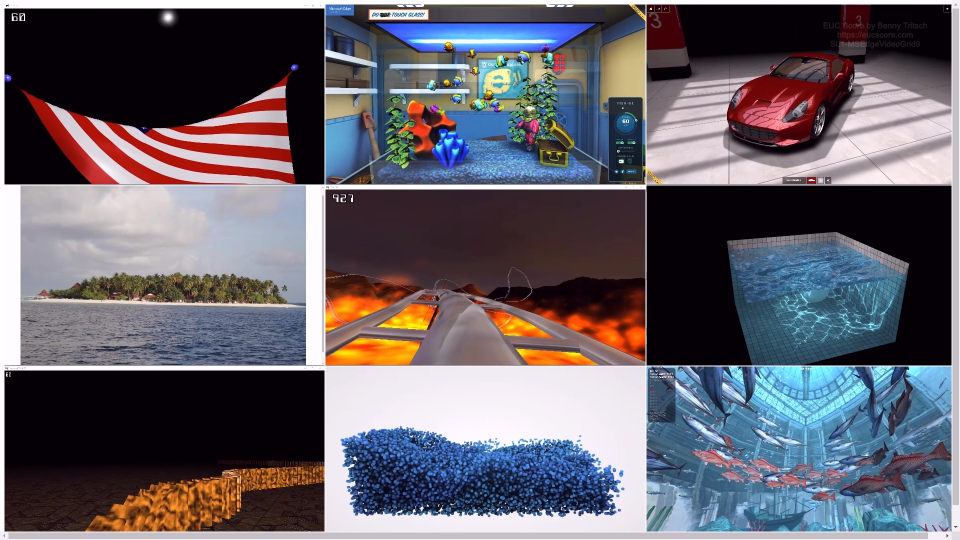
SL1-MSEdgeVideoGrid9 [1] 100mbps vs 8mbps [GPU12] [2] 10ms vs 110ms [GPU12] [3] 0% vs 2% Loss [GPU12] |
The nine videos show stuttering under constrained network conditions. |
|
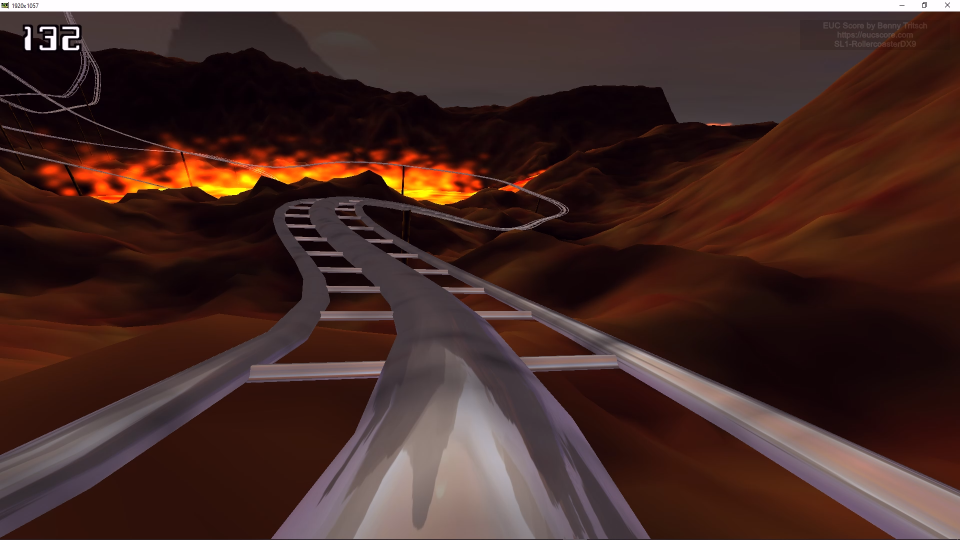
SL1-RollercoasterDX9 [1] 100mbps vs 8mbps [GPU12] [2] 10ms vs 110ms [GPU12] [3] 0% vs 2% Loss [GPU12] |
Stuttering under constrained network conditions. |
|
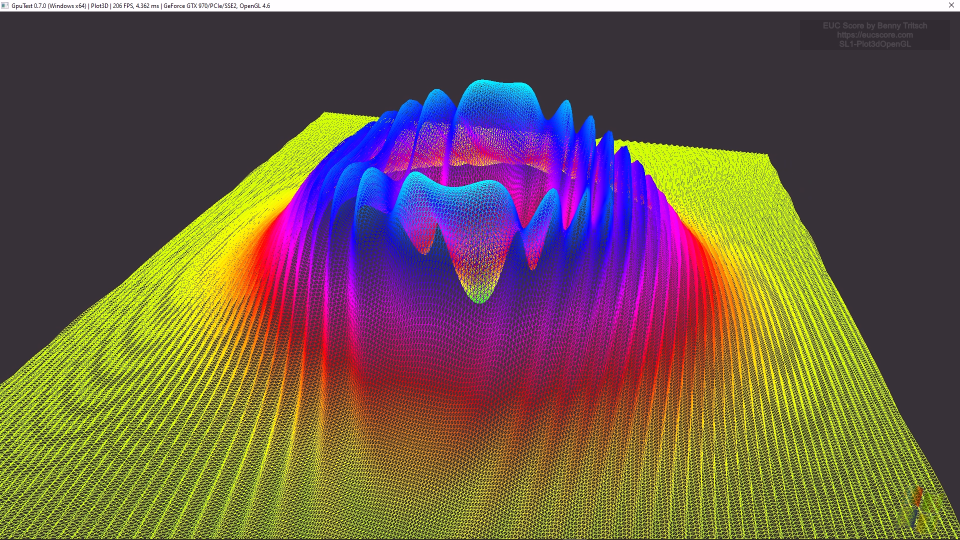
SL1-Plot3dOpenGL [1] 100mbps vs 8mbps [GPU12] [2] 10ms vs 110ms [GPU12] [3] 0% vs 2% Loss [GPU12] |
Stuttering under high latency and high packet loss network conditions. Freeze frames under low bandwidth conditions. |

|
SL1-TessMarkOpenGL [1] 100mbps vs 8mbps [GPU12] [2] 10ms vs 110ms [GPU12] [3] 0% vs 2% Loss [GPU12] |
Stuttering under constrained network conditions. |

|
SL3-GDIPlusGraphics [1] 100mbps vs 8mbps [GPU12] [2] 10ms vs 110ms [GPU12] [3] 0% vs 2% Loss [GPU12] |
Freeze frames under high latency and high packet loss network conditions. Significantly lower frame rate under low bandwidth conditions. |
Summary of Test Observations
The Azure NV6adsA10 v5 VM shows good performance and user experience under unconstrained network conditions. Network limitations alter this result, especially for graphics-intensive workloads. Stuttering, freeze frames and low frame rates are the most common impacts on perceived user experience.
Test Setup Details
Windows 365 GPU Super Baseline
Windows 365 GPU Super with Network Limits
System Under Test: Azure Germany West Central, NV6adsA10 v5 VM, Azure Virtual Desktop, Windows 11 Enterprise, AMD EPYC 74F3 6vCPUs @ 3.20GHz, 55GB RAM, 128GB HDD, NVIDIA A10-4Q, 4GB VRAM, RDS SxS Network Stack 1.0.2507.25750, 1920x1080 Screen Resolution @ 30Hz, Single Monitor Setup, Remote Desktop Services SxS Network Stack.
System Under Test: Azure Germany West Central, NV6adsA10 v5 VM, Azure Virtual Desktop, Windows 11 Enterprise, AMD EPYC 74F3 6vCPUs @ 3.20GHz, 55GB RAM, 128GB HDD, NVIDIA A10-4Q, 4GB VRAM, RDS SxS Network Stack 1.0.2507.25750, 1920x1080 Screen Resolution @ 30Hz, Single Monitor Setup, Remote Desktop Services SxS Network Stack.
Connection: Microsoft SxS RDP Multipath (UDP/WebSocket) (AVC, RemoteFX Text, Cache), 100mbps bandwidth, 10ms RTT, 0.0% packet loss.
Connection: Microsoft SxS RDP Multipath (UDP/WebSocket) (AVC, RemoteFX Text, Cache). [1] 8mbps bandwidth limit, [2] additional 100ms latency, [3] 2% packet loss.
Endpoint: ASUS NUC 15 PRO, Windows 11, Intel Core Ultra 7 255H 16Cores @ 2.0GHz, 32GB RAM, Samsung SSD 990 EVO Plus 1TB, Intel Arc 140T GPU, 2GB VRAM, Windows App 2.0.
Endpoint: ASUS NUC 15 PRO, Windows 11, Intel Core Ultra 7 255H 16Cores @ 2.0GHz, 32GB RAM, Samsung SSD 990 EVO Plus 1TB, Intel Arc 140T GPU, 2GB VRAM, Windows App 2.0.