[Overview of Results Collected During EUC Score Test Runs]
Omnissa Horizon Performance on Azure [2025]
Analyzing an Omnissa Horizon with Windows 365 VM with 8 vCPUs and the Omnissa Horizon software stack. Compared remoting protocols are Omnissa Blast and Microsoft Side-by-Side Remote Desktop Protocol (SxS RDP).
The various network conditions are simulated using a physical WAN emulator located in the network connection between the endpoint device and the internet router. The latency (round trip time - RTT) between the test lab and the Azure data center in Frankfurt, Germany, is 10 ms.
The test results presented here are a subset of the complete data sets collected during multiple test sequences.
- Single View - Blast Under Constrained Network Conditions
- Side-by-Side View - Blast vs SxS RDP Under Different Network Conditions
Single View - Blast Under Constrained Network Conditions
 Test Engineer: Benny Tritsch
Date of test: 29 August 2025
Test Engineer: Benny Tritsch
Date of test: 29 August 2025
Test Goal
Show the effects of constrained network conditions when an Omnissa Blast session is connected to an Omnissa Horizon with Windows 365 VM with 8 vCPUs.
Selected Sync Player Clips
| Simload Thumbnails | Links | Network | Links [Charts] | Views | Observations |
|---|---|---|
|
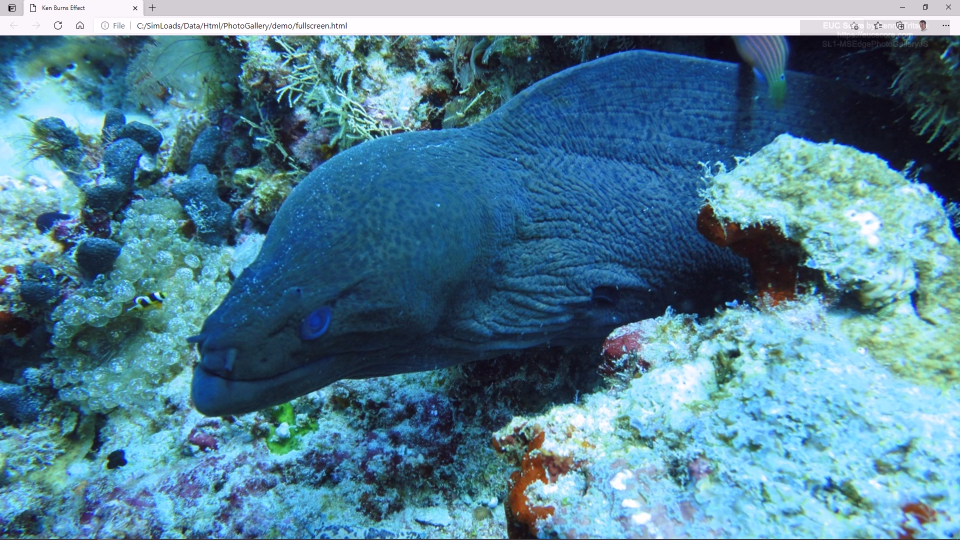
Packet Loss Rate: 2%
SL1-NotepadMove [Blast12] Single View |
The application window moves smoothly across the desktop, despite the packet loss. The Blast protocol performance counters provide interesting insights into the bytes transmitted and received over UDP, the higher round trip time caused by the latency, the frames per second and the image network traffic. |
|
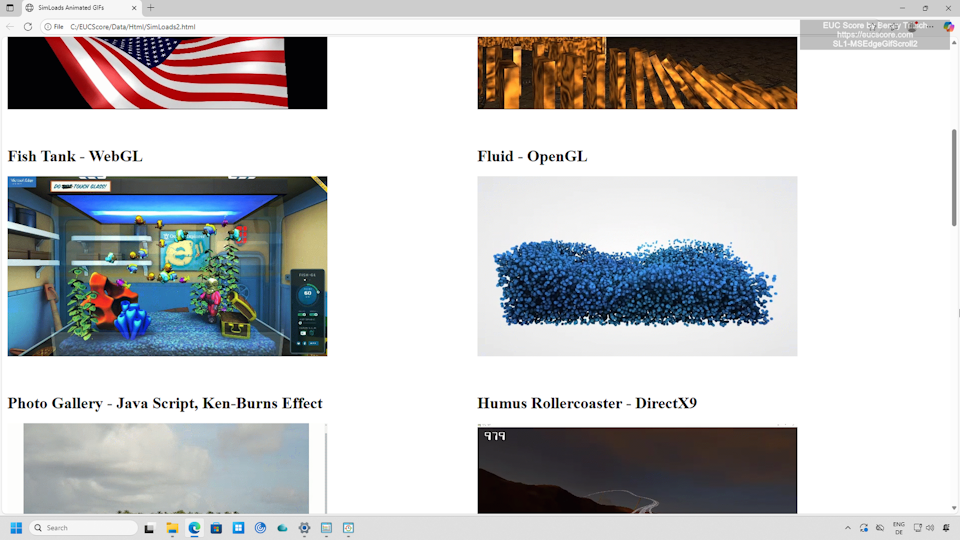
Low bandwidth: 8mbps
SL1-MSEdgeGifScroll2 [Blast12] Single View |
The animation is fluid, except for a freeze frame at the beginning. The Blast protocol performance counters provide interesting insights into the estimated bandwidth, the bytes transmitted and received over UDP, the packet loss rate, the round trip time, the frames per second and the image network traffic. |
Summary of Test Observations
In general, the Blast protocol delivers very good performance even under constrained network conditions.
Test Setup Details
Citrix VM on Azure
System Under Test: Azure Germany West Central, Omnissa Horizon with Windows 365, Intel Xeon Platinum 8370C 8vCPUs @ 2.80GHz, 32GB RAM, 128GB HDD, 1920x1080 Screen Resolution @ 30Hz, Single Monitor Setup, Omnissa Horizon Agent.
Connection: Omnissa Blast.
Endpoint: ASUS NUC 15 PRO, Windows 11, Intel Core Ultra 7 255H 16Cores @ 2.0GHz, 32GB RAM, Samsung SSD 990 EVO Plus 1TB, Intel Arc 140T GPU, 2GB VRAM, Omnissa Horizon Client 2503.
Side-by-Side View - Blast vs SxS RDP
Test Engineer: Benny Tritsch
Date of test: 29 August 2025
Test Goal
Show the difference between Omnissa Blast and Microsoft SxS RDP sessions connected to Azure Windows 365 VMs with 8 vCPUs.
Selected Sync Player Clips
| Simload Thumbnails | Links | Network | Links [Charts] | Views | Observations |
|---|---|---|
|
|
Unconstrained: Blast vs SxS RDP
SL1-MSEdgePhotoGalleryJS [STD12] Side-by-Side View |
Unconstrained: No visible difference between the two sessions. But the RDP session on the right (red) requires about five times more network bandwidth and shows higher Context Switches/sec values than the Blast session on the left (yellow). |
|
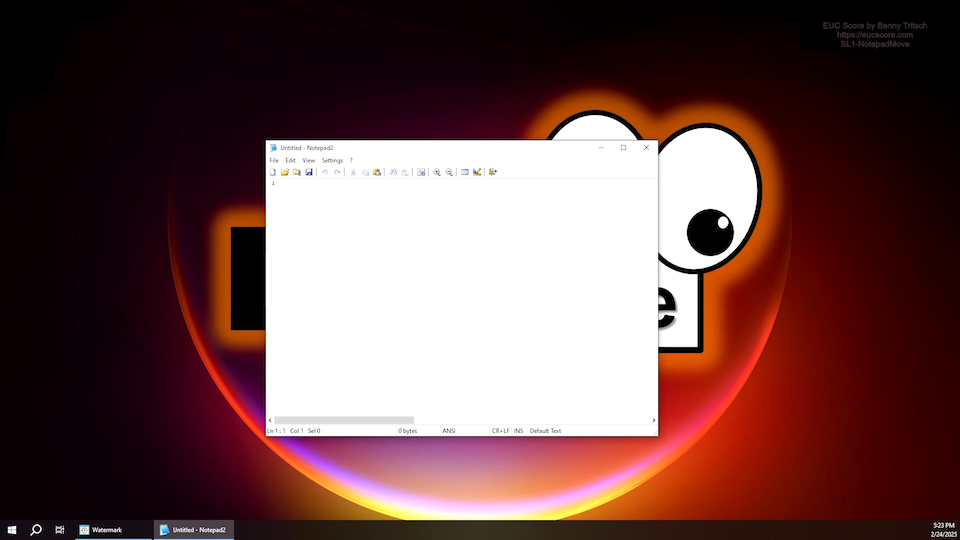
2% Packet Loss: Blast vs SxS RDP
SL1-NotepadMove [STD12] Side-by-Side View |
High packet loss: The Blast session (yellow) shows no quality degradation despite the packet loss. The RDP session (red) shows sporadic freeze frames or stutters. Higher outbound network bandwidth requirements in the RDP seesion on the right (red). |
|
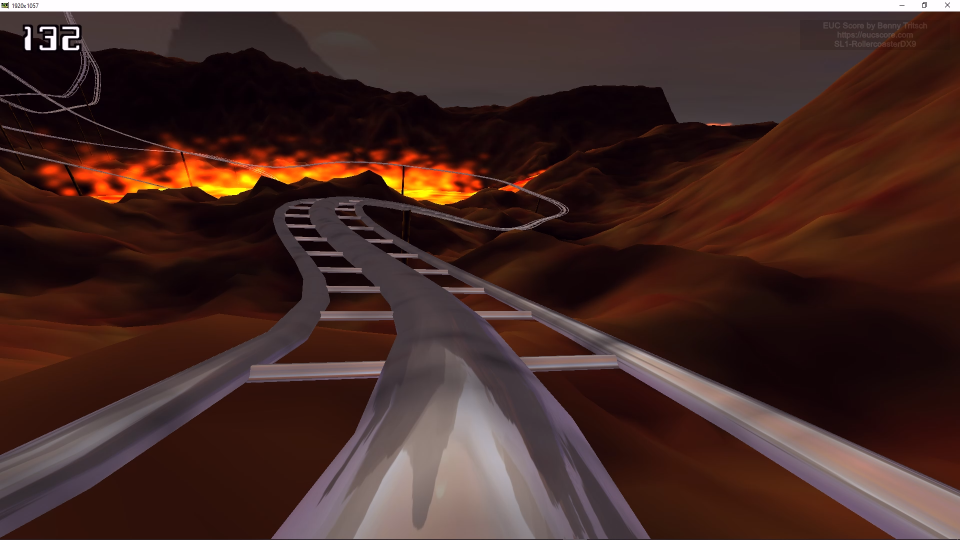
2% Packet Loss: Blast vs SxS RDP
SL1-RollercoasterDX9 [STD12] Side-by-Side View |
High packet loss: The Blast session (yellow) shows only minimal quality degradation despite the packet loss. The RDP session (red) shows sporadic freeze frames. Higher network bandwidth requirements and context switches per second in the RDP seesion on the right (red). |
|
|
8mbps Bandwidth: Blast vs SxS RDP
SL1-MSEdgeGifScroll2 [STD12] Side-by-Side View |
Low bandwidth: Significantly better user experience in the Blast session (yellow) when the network bandwidth is limited to 8mbps. But also higher CPU load, context switches/sec and outbound network traffic in the Blast session on the left (yellow). |

|
110ms Latency (RTT): Blast vs SxS RDP
SL1-MSEdgeVideoGrid9 [STD12] Side-by-Side View |
High latency (RTT): In the Blast session on the left (yellow), all nine videos run smoothly and with high image quality. In the RDP session on the right (red), the videos show stuttering while the image quality is also good. The RDP session shows significantly higher CPU queue length values, context switches/sec, disk writes and network usage. |
Summary of Test Observations
Under unconstrained network conditions, there is virtually no difference in the perceived user experience between the Blast and SxS RDP sessions. With few exceptions, the simulated workloads in the RDP session require more network bandwidth than in the Blast session. CPU load and context switches per second are also typically higher in the SxS RDP session. Under constrained network conditions, the Blast protocol tends to deliver better performance and smoother image rendering than the RDP protocol.
Test Setup Details
Omnissa VM on Azure (Blast)
Windows 365 (SxS RDP)
System Under Test: Azure Germany West Central, Omnissa Horizon with Windows 365, Intel Xeon Platinum 8370C 8vCPUs @ 2.80GHz, 32GB RAM, 128GB HDD, 1920x1080 Screen Resolution @ 30Hz, Single Monitor Setup, Omnissa Horizon Agent.
System Under Test: Azure Germany West Central, Windows 365 Enterprise, Intel Xeon Platinum 8370C 8vCPUs @ 2.80GHz, 32GB RAM, 128GB HDD (SAS), 1920x1080 Screen Resolution @ 30Hz, Single Monitor Setup, Remote Desktop Services SxS Network Stack.
Connection: Omnissa Blast.
Connection: Microsoft SxS RDP.
Endpoint: ASUS NUC 15 PRO, Windows 11, Intel Core Ultra 7 255H 16Cores @ 2.0GHz, 32GB RAM, Samsung SSD 990 EVO Plus 1TB, Intel Arc 140T GPU, 2GB VRAM, Omnissa Horizon Client 2503.
Endpoint: ASUS NUC 15 PRO, Windows 11, Intel Core Ultra 7 255H 16Cores @ 2.0GHz, 32GB RAM, Samsung SSD 990 EVO Plus 1TB, Intel Arc 140T GPU, 2GB VRAM, Windows App.