[Overview of Results Collected During EUC Score Test Runs]
Parallels Remote Application Server [2024]
Benchmarking different aspects of Parallels RAS. The test results presented here are a subset of the complete data sets collected during multiple Parallels RAS test sequences.
If you want to learn how the EUC Score results were produced then check out EUC Score Test Methodology and EUC Score Toolset.
Parallels RAS 19 Accelerated File Redirection
 Test Engineer: Benny Tritsch
 Test Engineer: Freek Berson
Test Goal
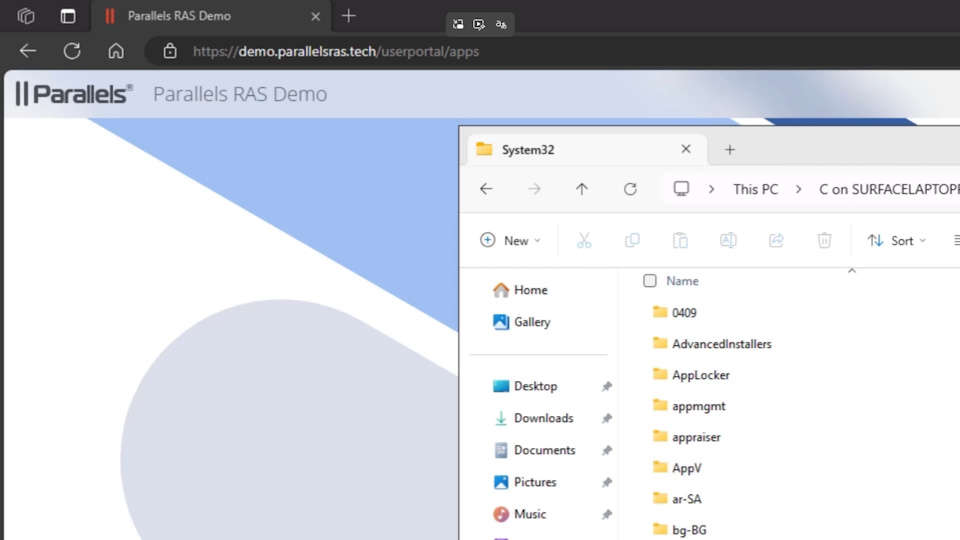
Analyze how much Parallels RAS Accelerated File Redirection speeds up access to local files and folders.
Selected Sync Player Clips
| Simload Thumbnails | Links | VM Types | Protocols | Links | Views | Observations |
|---|---|---|
|
AVD with RAS19 vs Native AVD RDP vs RDP SLX-ParallelsDriveRedirCache [REF] Side-by-Side View [Activities] |
The native RDS and AVD drive redirection is significantly slower when Parallels RAS Accelerated File Redirection is not used. This can be easily seen in the system and user activity consoles. |
|
|
AVD with RAS19 vs Native AVD RDP vs RDP SLX-ParallelsDriveRedirCache [STD] Side-by-Side View [Charts] |
If Parallels RAS with Accelerated File Redirection is not installed, more CPU usage is needed when enumerating the local files and folders during the minute that it takes. |
Summary of Test Observations
The locally redirected folder (C:\Windows\system32) takes over a minute to fully enumerate within the native RDS and AVD experience, where Parallels RAS with Accelerated File Redirection performs the same action in a second. For more details, check out the blog article Measuring Parallels RAS Performance in Azure Virtual Desktop.
Test Setup Details
With Accelerated File Retrieval
Without Accelerated File Retrieval
System Under Test: Azure Virtual Desktop VM with RAS Agent 19.3 installed, Xeon Platinum 8370C 2vCPU @ 2.80GHz, 8GB RAM, 128GB Storage.
System Under Test: Azure Virtual Desktop VM, RAS Agent 19.3 not installed, Xeon Platinum 8370C 2vCPU @ 2.80GHz, 8GB RAM, 128GB Storage.
Connection: SxS RDP-UDP.
Connection: SxS RDP-UDP.
Endpoint: Windows 11 Client.
Endpoint: Windows 11 Client.
Parallels RAS 19 Universal Printing
Test Goal
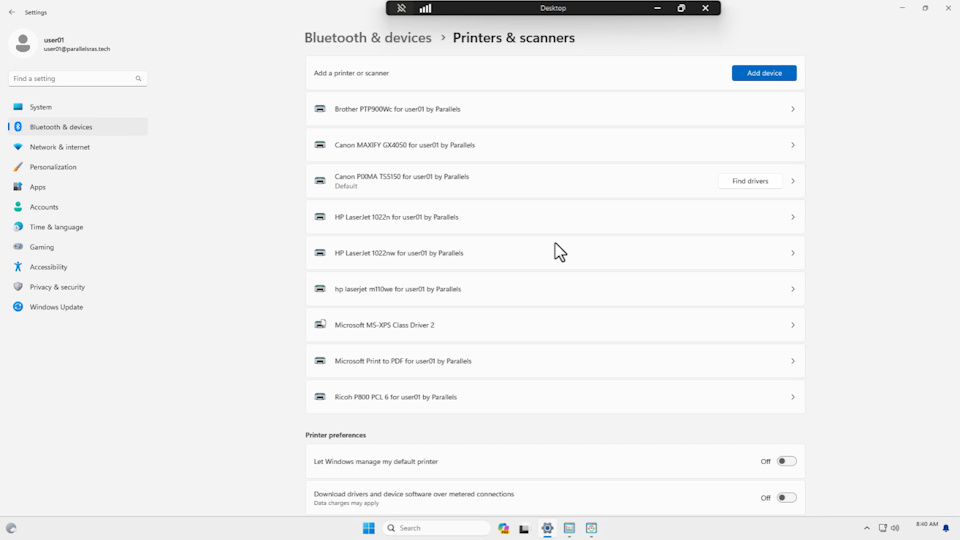
Investigate the performance benefits of Parallels RAS Universal Printing when compared to Remote Desktop Easy Print that is built into RDS and AVD.
Selected Sync Player Clips
| Simload Thumbnails | Links | VM Types | Protocols | Links | Views | Observations |
|---|---|---|
|
AVD with RAS19 vs Native AVD RDP vs RDP SLX-ParallelsUniversalPrint [REF] Side-by-Side View [Activities] |
The clip highlights the time it takes Parallels RAS Universal Printing to reconnect printers versus the time it takes native RDS/AVD Easy Print to do the same. Timings are tracked in the system and user activity consoles. |
|
|
AVD with RAS19 vs Native AVD RDP vs RDP SLX-ParallelsUniversalPrint [STD] Side-by-Side View [Charts] |
This clip visualizes and compares the resource consumption when printers are reconnected with Parallels RAS Universal Printing on the left side and Microsoft Easy Print on the right side. |
Summary of Test Observations
Parallels RAS Universal Printing reconnects eight printers in less than three seconds, whereas native RDS/AVD Easy Print takes 16 seconds. In addition, using Parallels RAS Universal Printing in RDS/AVD sessions reduces the resource consumption on the session host. For more details, check out the blog article Measuring Parallels RAS Performance in Azure Virtual Desktop.
Test Setup Details
With Universal Printing
Without Universal Printing
System Under Test: Azure Virtual Desktop VM with RAS Agent 19.3 installed, Xeon Platinum 8370C 2vCPU @ 2.80GHz, 8GB RAM, 128GB Storage.
System Under Test: Azure Virtual Desktop VM, RAS Agent 19.3 not installed, Xeon Platinum 8370C 2vCPU @ 2.80GHz, 8GB RAM, 128GB Storage.
Connection: SxS RDP-UDP.
Connection: SxS RDP-UDP.
Endpoint: Windows 11 Client.
Endpoint: Windows 11 Client.