[Overview of Results Collected During EUC Score Test Runs]
VMware TestDrive [2023]
Benchmarking different aspects of VMware Horizon and the Blast protocol on VMware TestDrive. The test results presented here are a subset of the complete dataset collected during VMware Horizon test sequences. Click on a link below to navigate to a test sequence and select a Sync Player clip.
- Blast connection to a TestDrive VM with NVIDIA L40-2Q GPU versus a TestDrive VM without GPU
- Blast versus PCoIP connection to a VMware TestDrive VM with NVIDIA L40-2Q GPU
- Blast versus "Web Blast" connection to a VMware TestDrive VM with NVIDIA L40-2Q GPU
GPU versus No GPU
 Test Engineer: Benny Tritsch
Date of test: 19 Oct 2023
Test Engineer: Benny Tritsch
Date of test: 19 Oct 2023
Test Goal
Explore the difference between a Blast connection to a VMware TestDrive VM with NVIDIA L40-2Q GPU versus a VM without GPU.
Selected Sync Player Clips
| Simload Thumbnails | Links | Links | Views | Charts | Observations |
|---|---|---|
|
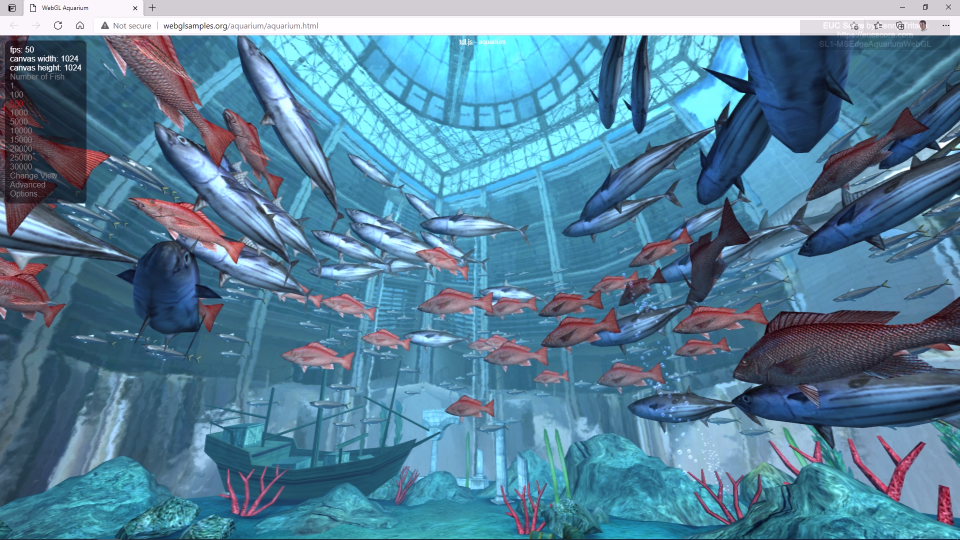
SL1-MSEdgeAquariumWebGL Side-by-Side View GPU Telemetry |
Very smooth animation at 60fps with GPU (10% load). The CPU load goes to almost 100% without GPU, but renders only 4fps and is choppy. |
|
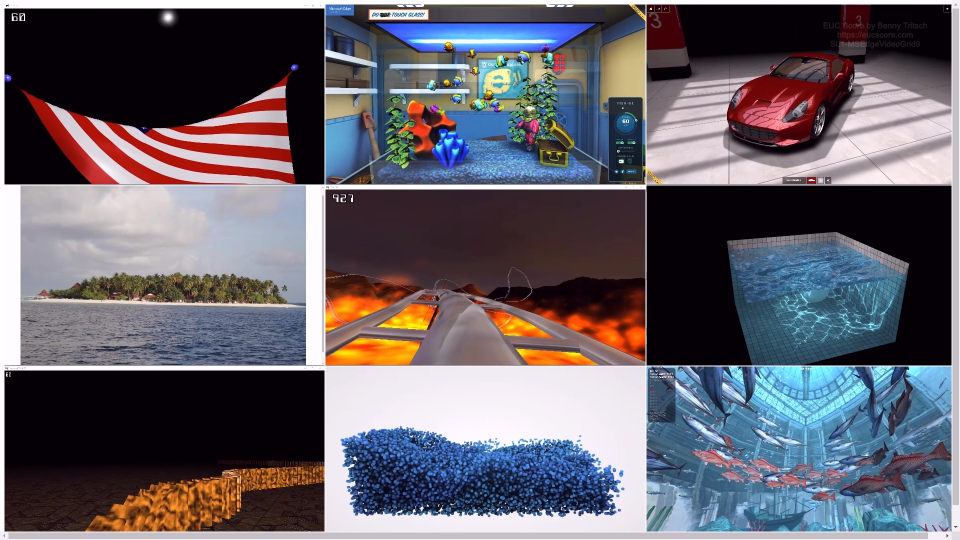
SL1-MSEdgeVideoGrid9 Side-by-Side View GPU Telemetry |
Very smooth animation at 60fps with GPU (10% load). The CPU load goes to almost 100% without GPU, but renders only 4fps and is choppy. |
Summary of Test Observations
Adding a GPU significantly improves the perceived remote user experience, despite the 175ms round trip time of the connections.
Test Setup Details
TestDrive VM with NVIDIA L40-2Q
TestDrive VM with no GPU
System Under Test: VMware TestDrive, Windows 11, Intel Xeon Gold 6330 2x2vCPUs @ 2.00GHz, 8GB RAM, 120GB Storage, NVIDIA L40-2Q GPU.
System Under Test: VMware TestDrive, Windows 11, Intel Xeon Gold 6330 2x2vCPUs @ 2.00GHz, 8GB RAM, 120GB Storage, no GPU.
Connection: VMware Blast from the EUC Score lab in Germany to VMware TestDrive in the US, 175ms round trip time.
Connection: VMware Blast from the EUC Score lab in Germany to VMware TestDrive in the US, 175ms round trip time.
Endpoint: NUC2, Intel NUC 8i7HNK with Windows 11, i7-8705G CPU @ 3.10GHz, 16GB RAM, 500GB Samsung SSD 850 EVO M.2, AMD Radeon RX Vega M GL, 4GB VRAM.
Endpoint: NUC2, Intel NUC 8i7HNK with Windows 11, i7-8705G CPU @ 3.10GHz, 16GB RAM, 500GB Samsung SSD 850 EVO M.2, AMD Radeon RX Vega M GL, 4GB VRAM.
Blast versus PCoIP
Test Engineer: Benny Tritsch
Date of test: 19 Oct 2023
Test Goal
Analyze the difference between a high-latency Blast connection (175ms RTT) versus a high-latency PCoIP connection (175ms RTT) to a VMware TestDrive VM with an NVIDIA L40-2Q GPU partition.
Selected Sync Player Clips
| Simload Thumbnails | Links | Links | Views | Charts | Observations |
|---|---|---|

|
SL1-MSEdgeAquariumWebGL Side-by-Side View GPU Telemetry |
Smooth rendering at 60fps with Blast (35% GPU load). Choppy rendering at 15fps with PCoIP (2% GPU load). |
|
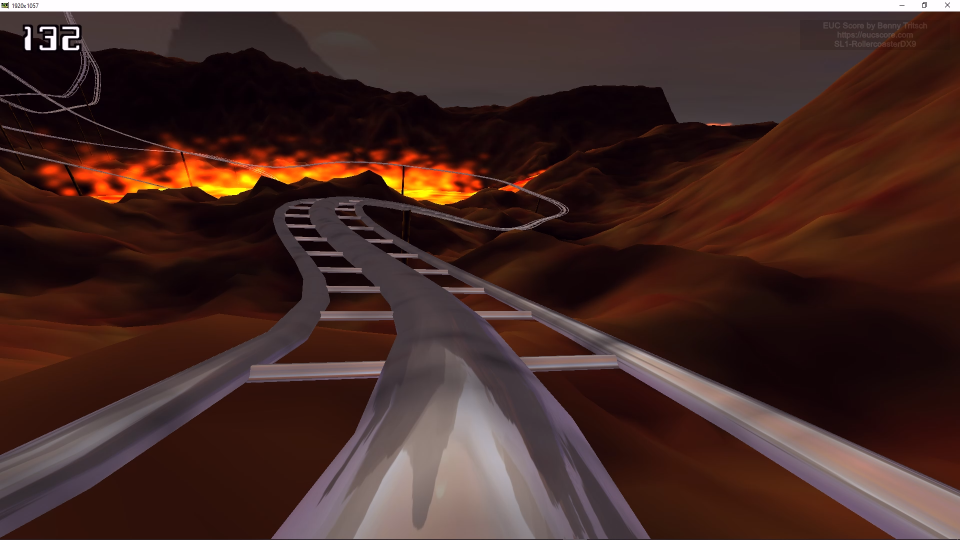
SL1-RollercoasterDX9 Side-by-Side View GPU Telemetry |
60fps on the Blast side. 15fps, choppy rendering and significantly higher bandwidth requirements on the PCoIP side. |
|
|
SL1-MSEdgeVideoGrid9 Side-by-Side View GPU Telemetry |
Great video quality with Blast. Very choppy videos with PCoIP. Noticable is the different usage of the GPU's video decoder. |

|
SL1-GDIPlusRect Side-by-Side View GPU Telemetry |
Score: 1.88 with Blast, 1.9 with PCoIP (smaller is better). Very choppy screen output on the PCoIP side. |
Summary of Test Observations
With a network round trip time of 175ms, the Blast connection performs better than the PCoIP connection for many Simloads. IMPORTANT: The results may be a lot more in favour of PCoIP under low latency network conditions.
Test Setup Details
TestDrive VM with Blast Protocol
TestDrive VM with PCoIP Protocol
System Under Test: VMware TestDrive, Windows 11, Intel Xeon Gold 6330 2x2vCPUs @ 2.00GHz, 8GB RAM, 120GB Storage, NVIDIA L40-2Q.
System Under Test: VMware TestDrive, Windows 11, Intel Xeon Gold 6330 2x2vCPUs @ 2.00GHz, 8GB RAM, 120GB Storage, NVIDIA L40-2Q.
Connection: Blast from the EUC Score lab in Germany to VMware TestDrive in the US, 175ms round trip time.
Connection: PCoIP from the EUC Score lab in Germany to VMware TestDrive in the US, 175ms round trip time.
Endpoint: NUC2, Intel NUC 8i7HNK with Windows 11, i7-8705G CPU @ 3.10GHz, 16GB RAM, 500GB Samsung SSD 850 EVO M.2, AMD Radeon RX Vega M GL, 4GB VRAM.
Endpoint: NUC2, Intel NUC 8i7HNK with Windows 11, i7-8705G CPU @ 3.10GHz, 16GB RAM, 500GB Samsung SSD 850 EVO M.2, AMD Radeon RX Vega M GL, 4GB VRAM.
Blast versus "Web Blast"
Test Engineer: Benny Tritsch
Date of test: 19 Oct 2023
Test Goal
Compare a high-latency Blast connection (175ms RTT) from the full Horizon client with a high-latency Blast connection from a Chrome browser ("Web Blast").
Selected Sync Player Clips
| Simload Thumbnails | Links | Links | Views | Charts | Observations |
|---|---|---|
|
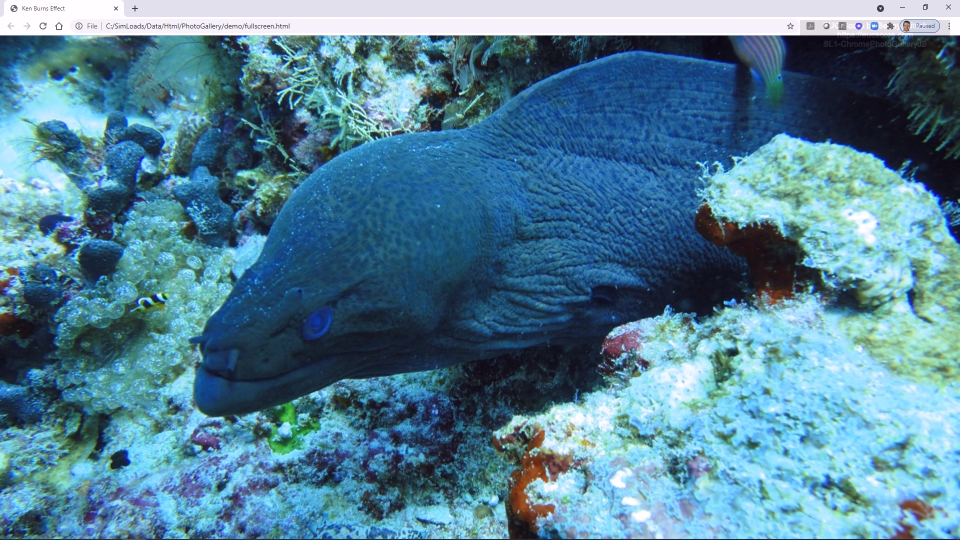
SL1-ChromePhotoGalleryJS Side-by-Side View STD Telemetry |
Smooth animation on the Blast side. Slightly choppy animation and transitions on the Web Blast side. |

|
SL1-MSEdgeVideoConf6 Side-by-Side View STD Telemetry |
Very good video performance on the Blast side. Choppy videos on the Web Blast side. |
|
|
SL1-RollercoasterDX9 Side-by-Side View STD Telemetry |
10 to 15fps on the Blast side. Lower frame rate and artifacts on the Web Blast side. |
Summary of Test Observations
Perceived user experience is the same for most Simloads, independently if connected from the full Horizon client or from a Chrome web browser. But some Simloads show different results, depneding on the nature of the application running in the remote session.
Test Setup Details
TestDrive VM with Blast Protocol
TestDrive VM with PCoIP Protocol
System Under Test: VMware TestDrive, Windows 11, Intel Xeon Gold 6330 2x2vCPUs @ 2.00GHz, 8GB RAM, 120GB Storage.
System Under Test: VMware TestDrive, Windows 11, Intel Xeon Gold 6330 2x2vCPUs @ 2.00GHz, 8GB RAM, 120GB Storage.
Connection: Blast from the EUC Score lab in Germany to VMware TestDrive in the US, 175ms round trip time.
Connection: "Web Blast" from the EUC Score lab in Germany to VMware TestDrive in the US, 175ms round trip time.
Endpoint: NUC2, Intel NUC 8i7HNK with Windows 11, i7-8705G CPU @ 3.10GHz, 16GB RAM, 500GB Samsung SSD 850 EVO M.2, AMD Radeon RX Vega M GL, 4GB VRAM.
Endpoint: NUC2, Intel NUC 8i7HNK with Windows 11, i7-8705G CPU @ 3.10GHz, 16GB RAM, 500GB Samsung SSD 850 EVO M.2, AMD Radeon RX Vega M GL, 4GB VRAM.